03 Alpine服务管理
参考:https://www.dotatong.cn/index.php/archives/40/
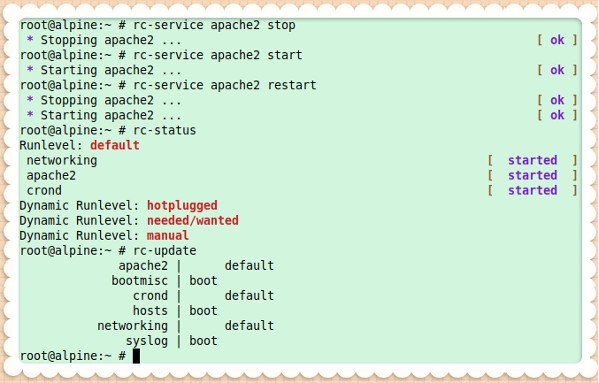
# rc-status
Runlevel: default
 crond                                  [  started  ]
 networking                             [  started  ]
Dynamic Runlevel: hotplugged
Dynamic Runlevel: needed/wanted
Dynamic Runlevel: manual
The default run level is called default, and it started crond and networking service for us.
# rc-status --list
boot
nonetwork
default
sysinit
shutdown
# rc {runlevel}
# rc boot
# rc default
# rc shutdown
- boot – Generally the only services you should add to the boot runlevel are those which deal with the mounting of filesystems, set the initial state of attached peripherals and logging. Hotplugged services are added to the boot runlevel by the system. All services in the boot and sysinit runlevels are automatically included in all other runlevels except for those listed here.
- single – Stops all services except for those in the sysinit runlevel.
- reboot – Changes to the shutdown runlevel and then reboots the host.
- shutdown – Changes to the shutdown runlevel and then halts the host.
- default – Used if no runlevel is specified. (This is generally the runlevel you want to add services to.)
# rc-status --manual apache2
# rc-status --crashed
# rc-service --list
# rc-service --list | grep -i nginx
rc-update add {service-name} {run-level-name}
# rc-update add apache2
或
# rc-update add apache2 default
rc-update del {service-name-here}
# rc-update del vnstatd
# rc-service {service-name} start
或
# /etc/init.d/{service-name} start
# rc-service {service-name} stop
或
# /etc/init.d/{service-name} stop
# rc-service {service-name} restart
或
# /etc/init.d/{service-name} restart
示例:启动|关闭|重启Apache2服务
# rc-service apache2 stop
# rc-service apache2 start
# rc-service apache2 restart